If you run a restaurant in 2026 and you still print your menu at the local copy shop every time a price changes, you are losing time and money. Worse: if you live hooked up to Uber Eats and Deliveroo, you leave a hefty commission on every order to marketplaces that own your customers instead of you. I am the founder of Pépite Pass, and I spend my days talking about digital menus with restaurant owners. This guide is the written version, no fluff, of what I explain to them. Goal: take back control of your menu, your orders and your customer relationship.
💀 Why the paper menu (and the PDF) is dead in 2026
The paper menu has two flaws that nothing can fix: it is frozen, and it costs money on every correction.
Raising the burger price by 50 cents? Reprint. Out of scallops? You cross it out with a pen or you let the waiter apologise ten times a service.
The PDF menu you pasted onto your Google page is barely better: on a phone the customer zooms in, zooms out, struggles, and ends up giving up on reading half your menu.
Here is what paper and PDF really cost you, week after week:
- The cost of printing and reprinting every time a price or a dish changes.
- The delay: between the decision and the new menu on the floor, days go by.
- The degraded mobile experience for customers (a PDF is not comfortable to read on a 6-inch screen).
- Zero data: you have no idea which dishes people look at, nor who checks your menu before coming in.
- Wear and tear: stained, dog-eared, laminated menus that yellow, a poor image for a restaurant that wants to look sharp.
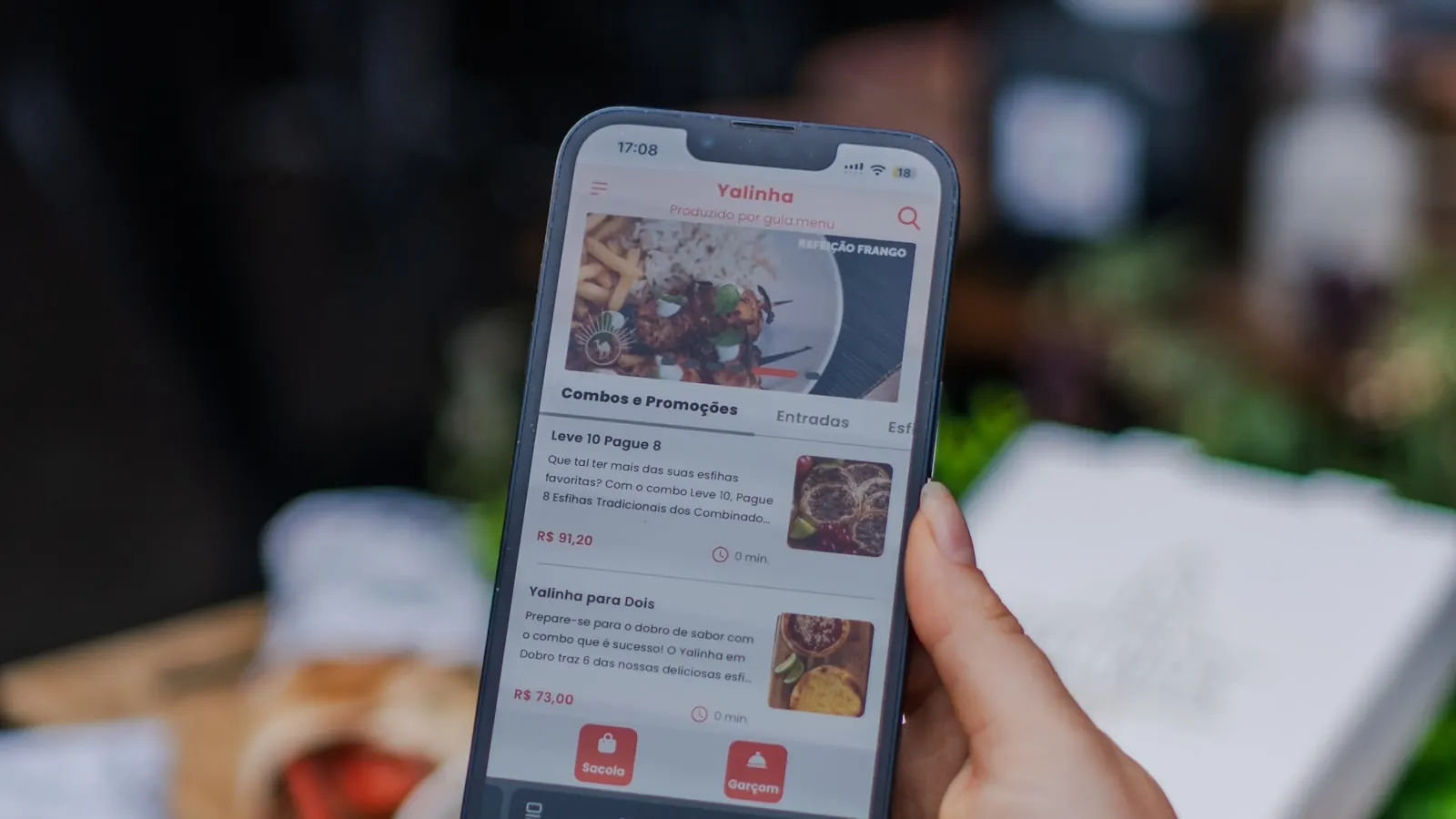
A digital menu solves all of this in one go. The customer scans a QR code, your menu displays cleanly on their phone, and you edit it whenever you want, in real time, without reprinting anything. The change is visible immediately to the next person who scans.
📱 The QR code digital menu, in practice, how it works
The principle is simple, and that is what makes it strong. You force no app to download, no account to create. The customer uses the camera already in their pocket.
⚡ The customer journey in three seconds
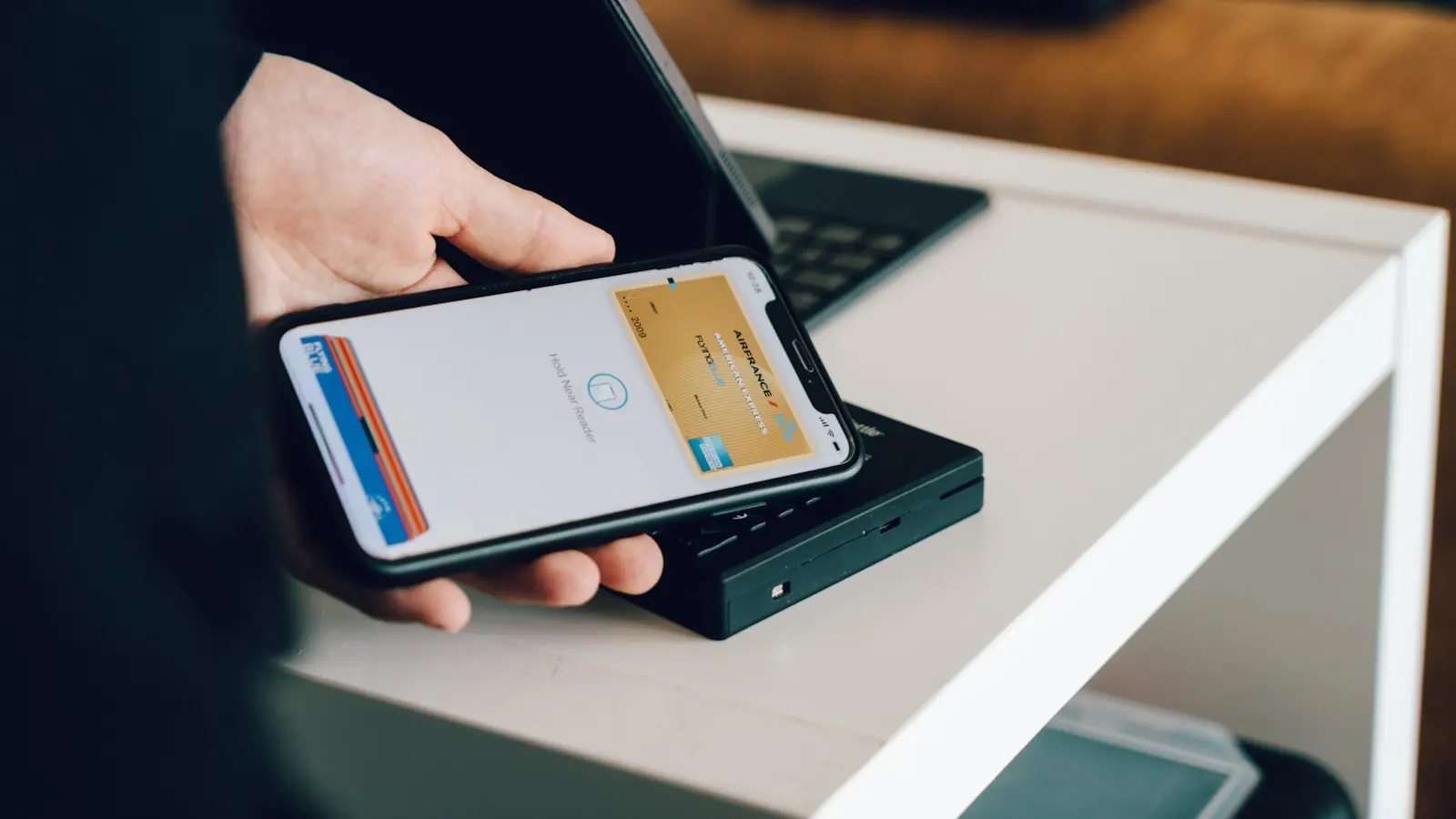
- The customer points their camera at the QR code placed on the table, at the counter or on the shopfront.
- A link appears, they tap it, and your menu opens in their browser.
- They browse your menu, read the descriptions, see the photos, and order (in the dining room, to take away or via click and collect depending on your setup).
🎛️ What you control on your side
You manage your menu from a dashboard, with no technical knowledge. You add a dish, you change a price, you hide an item that is out of stock, you highlight the dish of the day. Everything is reflected instantly in what your customers see. No update to push, no version to approve, no printer to call back.
And the part that saves the most time at the start: with Pépite Pass, you do not have to retype your menu dish by dish. You upload your menu as a PDF, our AI import reads it and automatically rebuilds your categories, your dishes, your prices. You proofread, you fix two or three lines, and it is live.
🎯 Taking back control from Uber Eats and Deliveroo
This is the real subject, the one talked about least because it is uncomfortable. Delivery marketplaces bring you volume, that is true.
But they usually take between 25 and 35% commission on every order, and above all, they own the customer relationship. The customer who orders your couscous through an app thinks they are ordering from the app, not from you.
You have neither their name, nor their number, nor their email. You cannot bring them back directly.
👉 You are renting your own customer base.
A digital menu with built-in click and collect changes that balance of power. The customer orders from you, pays you, and comes to collect from you. The marketplace commission disappears. ✂️
🧮 The maths that hurts (or helps)
Take a 30 euro order. On a delivery marketplace at 30% commission, you are left with 21 euros.
With click and collect through your own digital menu, you keep 100% of the basket, minus only the standard bank fees, as with any online payment. On the same 30 euro order, the gap in your favour is measured in whole euros, on every ticket, all year long.
✨ The real benefits of an online menu (beyond the QR code)
The QR code is only the doorway. What matters is what sits behind it. Here is what a well-built digital menu gives you in practice.
🔄 Instant updates, no more reprinting
Price change, dish of the day, out of stock, summer menu replacing the winter menu: it all happens in a few clicks, with no printing cost, no delay. You test a new dish at lunch, you see if it sells, you adjust it in the evening. That agility is something paper will never allow.
🛍️ Click and collect at 0% commission
Your customers order and pay directly from your menu, and come to collect their order. You keep the whole basket, minus the standard bank fees. No middleman helping themselves along the way, no marketplace keeping your data.
📅 Anti no-show online booking
The customer books their table directly from your page, without going through a directory that bills you per cover. The system is designed to limit no-shows, those reserved tables that nobody comes to sit at and that wreck a full service.
🌐 A storefront site synced with your Google Business Profile
Your digital menu lives on a storefront site in your name, synced with your Google Business Profile. In practice, the customer who finds you on Google Maps lands on a real, clean page, with your up-to-date menu, and can order or book right away. It is your online window, not a marketplace's.
📊 Data that finally comes back to you
Orders, bookings, customers: it all goes through your channel, so it all belongs to you. You gradually rebuild a customer base you can reach out to again, unlike the marketplace model where the customer stays anonymous to you.
A question about commission-free click and collect? Message me directly
⏱️ How to set up your digital menu in 10 minutes
The number one fear of restaurant owners is technical complexity. I get it: you run a restaurant, not an IT department. The good news is that turning on a digital menu takes no technical skills. Here are the steps.
- Create your account (a few minutes, just your restaurant details).
- Import your menu: upload it as a PDF, the AI reads it and rebuilds your dishes, categories and prices automatically.
- Proofread and fix: you check the labels, adjust two or three prices, add photos if you want.
- Turn on the options that serve you: click and collect, online booking, storefront site.
- Generate and print your QR code, put it on the tables, the counter, the shopfront, the takeaway bags.
Count on about 10 minutes to have a working, scannable digital menu. The longest part is not the tech, it is deciding how you want to present your menu. The machine does the rest.
📍 Where to place your QR codes so they work
- On every table (stand or sticker) for browsing in the dining room.
- At the counter and till for takeaway sales.
- On the shopfront and window to capture passers-by who want to see the menu before coming in.
- On takeaway bags and receipts to turn a delivery customer into a click and collect regular.
💸 How much it costs, and why it pays off fast
Let us be direct, because it is often vague elsewhere. With Pépite Pass, you start with a free trial, no card and no commitment.
After that, the digital menu with click and collect, booking and storefront site costs less than the price of a coffee a day. No commission on your orders, no per-cover charge on your bookings. You pay a fixed subscription, full stop.
Now compare. On a delivery marketplace at 30% commission, it only takes a few hundred euros of monthly orders for the commission to exceed, by a wide margin, the price of a fixed subscription. The day you move part of your volume onto your own channel, the subscription is quickly covered by the first orders of the month, and everything else is pure gain. 💪
🔥 The mistakes to avoid when you go digital
I have seen restaurants nail their move to digital in a week, and others self-sabotage. The traps are almost always the same.
- Hiding the QR code: if it is tiny on the back of the stand, nobody scans. Put it in plain sight, with a clear line like Scan to see the menu and order.
- Not briefing the team: a waiter who never mentions the QR code makes a digital menu invisible. One sentence on arrival is enough.
- Letting the menu go stale: digital is useless if you never update it. Use that very instant availability to keep it alive.
- Cutting all the marketplaces at once: switch gradually, keep the discovery the apps bring while you build your direct channel.
- Forgetting takeaway bags: that is the best place to convert a delivery customer into a commission-free click and collect regular.
None of these traps is technical. They are usage habits. Put the QR code front and centre, keep the menu up to date, tell your customers about it, and the digital menu runs by itself. 😌