70% of smartphones sold in France run on Android. And yet, when people talk about a digital loyalty card, everyone thinks first of Apple Wallet. That is a strategic mistake.
Here is what Google Wallet actually changes for a business owner in 2026, what it makes possible, what it does not, and why you can no longer afford to ignore it.
🤖 Why Google Wallet is the forgotten market for business owners
When a business owner calls me for the first time, they often say: "I'd like a card in the iPhone Wallet". Fair enough, that's the image they have in mind (the little card that pops up on the lock screen when you walk into the café next door). But behind that image lies a statistical truth we forget:
- Android = 69.5% of smartphones in France (market share Q4 2025, Kantar Worldpanel).
- iOS = 29.8%. The rest is HarmonyOS and unidentified devices.
- Among affluent urban under-35s, the iPhone climbs back up to around 45%. But as soon as you step outside central Paris and look at the average clientele of a restaurant, a hairdresser or a bakery, Android crushes everything.
In concrete terms: if you only have an Apple Wallet card and you offer nothing to Android customers, you're leaving roughly two thirds of your clientele without a solution. You give them a free coffee verbally and call it a "loyalty programme", which is exactly the situation a digital card is meant to get you out of.
The problem is that Google Wallet is less visible than its Apple cousin. Nobody advertises for it, you hear less about it in the press. But the tool is there, it works, and on some points it's even simpler to set up than Apple Wallet for the business owner.
🔄 Google Wallet vs Google Pay: yes, it's the same thing now
A quick clarification before we go further, because this question comes up at every meeting. Google has muddied the waters a lot over the past few years:
- 2018-2022: two apps coexist, Google Pay (payment) and Google Pay (loyalty cards, tickets, etc.). Not clear, even for Google.
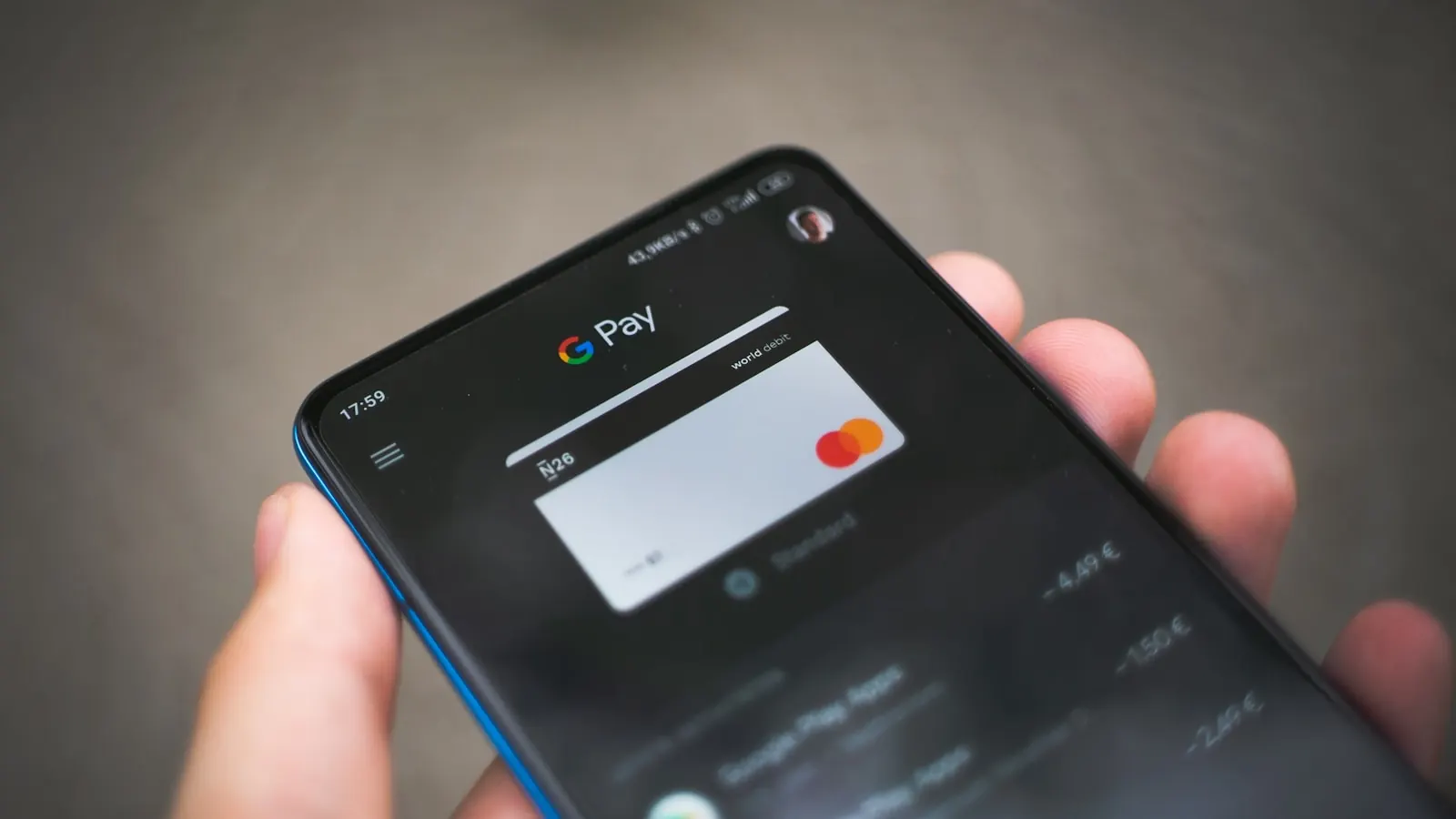
- Mid-2022: Google Wallet officially replaces Google Pay in France. The app is now called "Wallet" (blue icon with a wallet).
- 2024-2026: Google Wallet is built natively into Android 11+. On nearly every phone sold in the European Union, the app is preinstalled and configured by default.
For a business owner, that means three things: (1) a single app on the customer's side, whatever their Android phone, (2) the same wallet holds loyalty cards, gift cards, event tickets and boarding passes, and (3) every Android customer already has the wallet installed, which completely removes the friction on the install side.
📱 How a Google Wallet loyalty card works (on the customer's side)
Let's spend two minutes in the shoes of a customer who has never used Google Wallet in their life. Here is exactly what happens when they scan your "Add your loyalty card" QR code with their Android phone:
- The QR code sends them to a web page (mobile-first, hosted by your provider). This page detects that they're on Android and shows a big "Add to Google Wallet" button.
- They tap it. Their personalised card is already ready: your logo, your colours, their information.
- Google Wallet opens automatically. The customer sees a preview of the card with a "Save" button.
- They tap "Save". The card is added to their wallet, in under 5 seconds, with no account creation, no password, no download.
From then on, the card lives its life in Google Wallet. ✨
It shows up on the lock screen when the customer passes near your shop (if you've set up the zones), it appears at the top of the wallet during NFC payment, and its balance updates on its own, with your notifications arriving directly on the customer's phone.
🔔 On the business side: creation, updates, push notifications
This is where the promise counts: the entire technical side is handled by Pépite Pass. You have nothing to install, nothing to maintain, nothing to renew. You create your card from the dashboard (logo, colours, stamps, points, tiers), and it's ready in a few minutes, with a single QR code to display in your shop.
Updating a card is just as simple. You change the stamp balance, the message text, or a promotional offer, and the change appears on every Android phone the card is installed on. Google Wallet notifications are just as reliable as a regular app notification: if the phone is on and connected, the notification arrives within a few seconds.
To go further on push, I've covered this topic in a dedicated article: push notifications in Wallet for restaurants, what really works.
⚖️ Google Wallet vs Apple Wallet: a table of practical differences
Since I spend my life comparing the two in business audits, here's the honest summary of what changes between the two wallets, from the point of view of a French business owner who wants a loyalty card:
| Criterion | Apple Wallet | Google Wallet |
|---|---|---|
| Market share in France | ~30% | ~70% |
| App to install | No (preinstalled) | No (preinstalled on Android 11+) |
| Notifications received by the customer | Yes | Yes |
| Reminder near the shop | Yes | Yes (a little less fine-grained) |
| Clickable links in notifications | No | Limited (the tap opens the card) |
| Cost per card | €0 | €0 |
The big takeaway: the two wallets do broadly the same thing for the business owner. The real question isn't "which one to choose", it's "how do I offer both automatically, without asking every customer for their phone model".
On the Apple question, I've written a specific guide: Apple Wallet loyalty card for restaurants, the complete guide. It complements this one.
🔥 Why ignoring Google Wallet means losing 70% of your customers
I still see a lot of providers who only offer Apple Wallet, because it's the best-known version. That's a glaring mistake:
- The Android customer scans the QR code and lands on "Download Apple Wallet". They're lost. At best they try to muddle through, at worst they give up and hold it against you. 💀
- Word of mouth is asymmetric: the Android customers who couldn't install the card say nothing, they just forget your programme.
- Your best potential customers are on Android. The average loyal customer of a neighbourhood business (not necessarily the trendy type from a hip district, more like the couple of forty-somethings from down the road) is statistically on Android in 2 cases out of 3.
If you want to quickly test what a card that works on both operating systems looks like, with no technical thinking on your side, you can start a free trial: adding the card works on iOS as well as on Android, with no configuration from you. Start the free trial (no commitment, no bank card required).
Not sure whether your clientele is more iOS or Android? I'll help you decide
⚡ Creating your Google Wallet card: ready in a few minutes
With Pépite Pass, creating your card takes a few minutes: you choose your logo, your colours and your stamp mechanic from the dashboard, and your card is ready to be added by your customers, on Android as on iPhone, with a single QR code. The entire technical side is handled by Pépite Pass: you have nothing to install, nothing to maintain, nothing to renew.
To go further on what a modern digital card can bring to your business, I recommend the 2026 guide to the digital loyalty card.
✅ The Samsung, One UI and Knox case: everything works the same (almost)
Samsung accounts for around 35% of the French Android install base. Legitimate question: does Google Wallet work as well on a Galaxy as on a Pixel?
Answer: yes, 99% of the time. Google Wallet is preinstalled on every Samsung sold in France since 2022 (One UI 4 and above). It coexists with Samsung Wallet, Samsung's in-house equivalent, but the two don't interfere: the user chooses which one to add their card to. In 95% of cases, the "Add to Google Wallet" button opens the Google app directly and not Samsung Wallet.
The only small pitfall is on older Samsungs (One UI 3 and below, released before 2021), where the Google Wallet app isn't preinstalled and has to be downloaded. But this population represents less than 4% of the install base in 2026, and it's in free fall. For the rest (Samsung Knox, enterprise configurations, secondary accounts), no impact: Google Wallet cards are stored in the main user's Google account and work just like on any Android device.
⚠️ The real pitfalls of Google Wallet (the ones nobody tells you about)
To be fully honest, here's what can go wrong with Google Wallet, whether during setup or in use:
- Going it alone is a real barrier. Google requires approval steps before letting a loyalty programme issue cards. By going through an already-approved provider like Pépite Pass, you skip this step: your card works immediately.
- Clickable links in notifications are limited. Unlike a native app, you can't put a "Book now" button that opens an external page directly from the notification. The tap opens the card, and the card can display a link, which is one more step than in native Android.
- Geofencing is less fine-grained than Apple's. For a single-location business that's fine, for a chain of 30 shops on a single programme it's not enough.
- Push send frequency is "reasonable". Google doesn't impose a strict limit, but from one notification per week per card, you start to see uninstall rates rise. As everywhere, content beats frequency.
- The visual preview differs slightly from Apple. The Google Wallet card is more "Material Design" (square, with more pronounced shadows), whereas Apple Wallet is more minimalist. You have to accept that the same programme displays differently on iOS and Android.
None of these pitfalls is a deal-breaker. But it's important to know them so you're not disappointed on arrival. To sum up: Google Wallet is younger than Apple Wallet (which has existed since iOS 6 in 2012), but it caught up on the essentials in 2024-2025.
🎯 Should you choose, or do both? The recap
A trick question, but a simple answer: you should do both, automatically, with no thinking required from the customer.
The good experience is this: the customer scans a QR code, the page detects their phone, and offers them the right Wallet with no questions asked.
👉 iPhone leads to Apple Wallet, Android to Google Wallet.
No middleman, no choice to make, no possible confusion.
That's the principle of a modern loyalty card, and it's what sets a "real" Wallet card apart from a web page that imitates a card. I've explained this difference in detail here: loyalty card with no app, why it's become the norm. And for the concrete step on the customer's side, here's the walkthrough to add the card to Apple and Google Wallet. If you'd rather see the product for real, discover the Pépite Pass digital loyalty card.
If you want to test it in real conditions, I can set up a demo card in your name (with your logo, your colours, your stamps), iOS and Android, in under 24h. You install it on your own phone, you see how it works, and we talk. Book the demo.
📌 6 key takeaways
- 70% of your customers are on Android. Ignoring Google Wallet means ignoring the majority of your clientele.
- Google Wallet replaced Google Pay in 2022. One app, preinstalled on every recent Android device.
- On the business side, the entire technical part is handled by Pépite Pass: nothing to install, nothing to maintain, nothing to renew.
- On the customer's side, the card is added in under 5 seconds, with no account creation, no password, no download.
- Differences with Apple Wallet: more limited geofencing and less rich clickable links, but nothing deal-breaking for a local business.
- The right approach is to offer Apple Wallet AND Google Wallet automatically, without making the customer choose.
A digital card without Google Wallet in 2026 is a shaky card.
You can ignore it, but you pay for it in lost Android customers, in notifications never received, and in a loyalty programme that never really takes off.