Out of 100 customers who walk through your restaurant door today, around 60 have an iPhone. And of those 60, exactly 60 already have Apple Wallet installed, without knowing it, without having downloaded anything. It is the most under-used loyalty lever in French dining in 2026, and I am going to explain why it is superior to everything you have tried so far.
My name is Léo, I am the founder of Pépite Pass. We roll out Apple Wallet and Google Wallet loyalty cards for restaurants, bars, bakeries and coffee shops all over France. In this article, I show you what Apple Wallet changes in concrete terms for a restaurant, what your customers experience day to day, and how to use it intelligently to bring your customers back.
🤫 Why Apple Wallet is the silent weapon of restaurant loyalty
When people talk about a digital loyalty card, the first image that comes to mind is "an app to download". And that is precisely the problem.
Asking a customer who has just paid their bill to download your app, create an account, confirm an email, enter their details, forget it. 💀
The adoption rate of a loyalty app for an independent restaurant hovers around 3%. Not great.
Apple Wallet gets around this problem in the most elegant way possible: there is nothing to download. The Wallet app is pre-installed on every iPhone since 2012, it cannot be uninstalled, and it is used by pretty much everyone (boarding passes, concert tickets, the Covid health pass back then, Navigo, train tickets, library cards, and so on).
Your customer already has the interface, they already have the habit. They scan a QR code, see a black "Add to Apple Wallet" button, tap once, and it is done.
👉 The customer scans, taps "Add", and it is done.
The adoption rate we observe at our restaurant clients, with a QR code placed on the table or printed on the receipt, is between 35% and 55% of iPhone customers. That is 10 to 15 times more than a dedicated app. And it makes sense: we went from "download, install, create an account" to "tap, done".
📱 In practice, how it works on the customer's iPhone
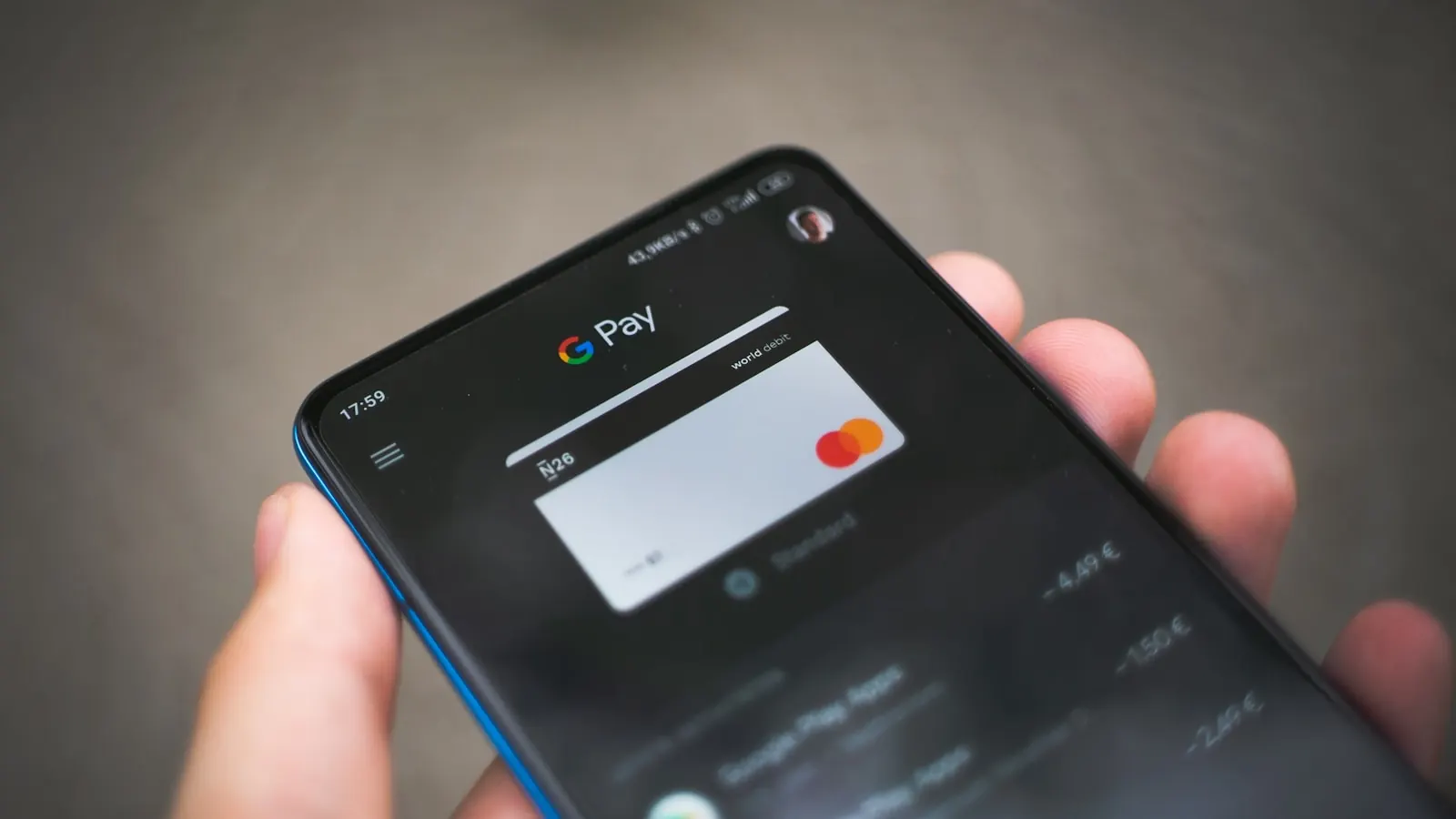
An Apple Wallet card is not just an image stored on the phone. It is a living card ✨: it shows your logo, your colours, your customer's points balance and a barcode that can be read at the till, and it updates all by itself. All the technical work that makes this possible is handled by Pépite Pass: you have nothing to install, nothing to maintain, nothing to renew.
Once added, your card lives in the customer's Wallet app. But (and this is where it gets powerful) it does not stay confined to the app. iOS does three things automatically, without asking your customer:
- Lock screen on tap: the customer can bring up the card by double-clicking the side button on their iPhone (Face ID) or double-clicking Home (Touch ID), without unlocking. Handy at the till while they pull out their bank card with the other hand.
- Geofencing: if you provide the GPS coordinates of your restaurant, the iPhone will automatically show the card on the lock screen when the customer comes within 100 metres. No notification, no fuss, just a discreet reminder saying "you are near Pépite".
- Update notifications: when you confirm a visit at the till, the balance changes instantly, the phone vibrates discreetly, and a little red badge appears on the Wallet icon. On Apple Watch, the notification arrives too.
This trio (lock screen, geofencing, update notifications) is what makes an Apple Wallet card not "a digital card" but "a permanent marketing channel in the customer's pocket". And it is framed by Apple, so it is not spammy. Your customers do not experience you as intrusive, they experience you as useful.
😌 How it works for the restaurant owner: nothing for you to manage
Behind the scenes, everything is on Pépite Pass. You set up your card in our editor (logo, colours, programme name, reward type), you print your QR code, and that is it.
When a customer scans the QR code, their card lands on their iPhone in a few seconds. When you confirm a visit at the till, their balance updates by itself on their phone.
And if they delete the card, they drop out of your push campaigns (but stay in your historical statistics).
All the technical work is our job, not yours. You have nothing to install, nothing to maintain, nothing to renew.
You just have a dashboard that says "234 active cards, 12 added this week, 4 pushes to send".
And your customer data stays with us, hosted in France, GDPR compliant. The plumbing is on us.
⚖️ Apple Wallet vs a dedicated app vs a paper card: the honest comparison
Here is how I lay the subject out for restaurant owners who are on the fence. It is blunt, it is quantified, it is what we observe in the field.
| Criterion | Paper card | Dedicated app | Apple Wallet |
|---|---|---|---|
| Customer adoption (rate) | ≈ 25% | 2 to 5% | 35 to 55% |
| Install friction | Low (but quickly lost) | High (download + account) | Very low (1 tap) |
| Push notification possible? | No | Yes (if allowed) | Yes (no permission needed) |
| Appears on lock screen | No | No (unless app is open) | Yes (native geofencing) |
| Risk of loss / being forgotten | Very high | Low (but uninstall) | Near zero (iCloud sync) |
| Cost for the restaurant owner | Printing + loss | €15-50k of development | Less than a coffee a day |
| Real-time updates | No | Yes | Yes (instant) |
The conclusion is simple. The paper card still makes sense for the local baker whose customers are 80% over 60.
The dedicated app makes sense for chains that can afford it (Starbucks, McDonald's): for them, it is also a very rich data channel.
Apple Wallet makes sense for 95% of independent restaurants: massive adoption, ridiculous cost, and zero development to do.
If you want to dig deeper, I have written a detailed comparison of paper card vs digital card, a guide on loyalty with no app, and the step by step for adding the card to Wallet on the customer's side, iPhone and Android. And if you would rather see the product for real, discover our Apple and Google Wallet loyalty card.
🚀 The Apple Wallet features that change everything for a restaurant
📍 Geofencing: your storefront shows itself on the customer's iPhone
This is the most impressive feature in Apple Wallet, and the one no restaurant owner suspects exists until they have seen it.
You provide the GPS coordinates of your restaurant. Apple Wallet registers this zone (a 100 m radius by default) in the iPhone's passive location system.
When your customer physically walks nearby (for example on a Wednesday on their way home from work), their Pépite loyalty card appears discreetly on their lock screen.
No sound alert. No intrusive notification. Just your logo, your offer of the day, the points balance. A gentle, contextually perfect reminder.
With our restaurant clients, geofencing alone generates between 8% and 14% more repeat visits.
🔔 Pushes to installed cards (free, unlimited)
You can send direct notifications to every customer who holds your card. No cost per message like an SMS (3 to 8 cents a send). No buying Meta ads.
It is included in Pépite Pass, and (crucially) your customers did not have to accept notifications the way they would have had to for an app.
Simply adding the pass counts as consent to these "update" messages.
Here are the types of push that work best for our restaurant clients:
- Event push: "Tonight, brunch until 3pm, your card gets you -10%." Repeat-visit rate within 7 days: 18% on average.
- Reward-reached push: "Well done Sophie, your 10th visit is on us!" Boosts engagement and reminds them a reward is available.
- Silent win-back push: "It has been 6 weeks since we last saw you! A free coffee if you drop by this week." Wakes up dormant customers.
- Contextual push: the day before a bank holiday weekend, a word about the weather, a local event, and so on. It builds a relationship, not an advert.
I have written a full article on push notifications in Wallet for restaurants with best practices on frequency and copywriting, because it is easy to burn out your channel by over-spamming.
🔓 Adding from the lock screen (instant, zero friction)
When you send the QR code by SMS or WhatsApp to a customer who does not have the card yet, they can add it without even unlocking their iPhone. iOS recognises the card, offers "Add to Apple Wallet" directly from the notification preview, and it is done. No other loyalty solution allows that.
I want you to send me an example card I can test on my iPhone
⏱️ Step by step: create your Apple Wallet card in 10 minutes
In concrete terms, here is what creating an Apple Wallet card in Pépite Pass looks like. I spell it out so you can see there is no technical pitfall: all the technical work is handled by Pépite Pass, you have nothing to buy, nothing to install, nothing to renew.
- Minute 1-2, sign up. You create a Pépite Pass account, you enter your restaurant name and your address. We pre-fill the GPS coordinates automatically for geofencing.
- Minute 3-5, the look. You upload your logo (square PNG, we handle the Retina resizing). You choose two colours: a background colour (for example your restaurant red) and a text colour (white or black). That is it.
- Minute 6-7, the loyalty mechanic. You choose the programme type: stamps (1 visit = 1 stamp, 10 stamps = 1 reward) or points (1 euro = 10 points, for example). You describe the reward ("a free dessert", "-15% off the bill", and so on).
- Minute 8, generating the QR code. You download your QR code as a PDF (high resolution, ready to print). You put it on each table, at the till, or on the receipt. It points to a Pépite Pass page that automatically detects the customer's phone (iPhone leads to Apple Wallet, Android to Google Wallet).
- Minute 9-10, first test. You scan the QR code yourself with your iPhone. You see Apple Wallet's native screen, you add the card, you check how it looks. You confirm a stamp from the dashboard and you watch your card update live on your iPhone.
That is literally all. No appointment with a salesperson, no training to pay for, no equipment to install. If after 10 minutes you are not happy, you close the account (the trial is free, with no card).
🔥 The mistakes to avoid (and how we avoid them at Pépite Pass)
I have seen quite a few restaurants try Apple Wallet with low-cost providers, and end up with a card that breaks. Here are the classic mistakes.
⚠️ 1. Choosing a provider that does not go the distance
A Wallet card has to stay flawless over time: always valid, always up to date, always able to receive pushes. With some low-cost providers, the cards one day stop displaying properly, or the pushes stop arriving, without you knowing. At Pépite Pass, that reliability is our job: you have nothing to monitor, nothing to maintain, nothing to renew.
🖼️ 2. Undersizing the images
Apple Wallet shows your logo large and in high resolution. If you upload low resolution, iOS pixelates it: your card looks like an amateur made it. Our editor rejects images below the threshold and offers automatic upscaling.
🚫 3. Spamming pushes and losing your customers
Not a technical mistake, but strategic mistake number 1. If you send 5 pushes a week, your customers delete the card.
And unlike an app, once it is deleted, they do not come back to reinstall it.
Golden rule: 2 to 3 pushes per month maximum, and always with tangible value (an offer, useful information, never "hi, do not forget we exist").
🤖 4. Forgetting Android users
40% of your customer base is on Android. If you only roll out Apple Wallet, you leave half the pie on the side. At Pépite Pass, the same QR code automatically generates a Google Wallet card for Android users.
To dig into this, see how Google Wallet works for business owners.
🔒 Data collected and GDPR: what you are allowed to do
This is a genuine question, especially in France where the CNIL takes it seriously. Here is the honest version. When a customer adds your Apple Wallet card, you collect (depending on the configuration):
- Always: a unique pass identifier, the date it was added, and the date of the last visit at the till. This data is necessary for the programme to work (legitimate interest, art. 6.1.f GDPR).
- If you ask at the point of adding: first name, email, phone, date of birth. Here it is explicit consent (art. 6.1.a GDPR), so a clear opt-in with a mention of the processing.
- Never: the customer's real-time location, their other purchases, their address book. Apple gives us none of that and we do not try to obtain it.
On the push side, consent is implicit when the pass is added (Apple considers that "adding a card = accepting its updates"), so no need for double opt-in like for email or SMS. It is legally solid as long as you stay within "service" messages (reward information, an offer tied to the programme) and not disguised advertising.
On retention: we recommend 3 years after the last active visit. Beyond that, we delete or anonymise (you have a "purge inactive customers" button in your Pépite Pass dashboard).
🧩 When Apple Wallet is not enough (and what to do then)
Let us be honest. Apple Wallet is an excellent channel, but it is not a complete loyalty strategy. Here are the limits I want you to keep in mind.
Case 1, your customer base is mostly Android. In some regions or demographics, Android goes past 60% market share. In that case, Apple Wallet alone covers less than half your customers. You absolutely have to roll out Google Wallet in parallel (with us it is included automatically, but be careful if you are evaluating another provider).
Case 2, you need to capture emails for external marketing. The Apple Wallet pass does not collect an email by default. If your strategy relies on a newsletter, you need to add a form at the point of adding (which we can configure in Pépite Pass) or integrate an email step before the pass is added.
Case 3, you want to run a multi-location programme with separate balances. Apple Wallet supports one pass per location, so if you have 3 restaurants, your customers can have 3 cards (or one multi-site card, it is configurable). Choose your strategy at creation, it is harder to migrate after the fact.
Case 4, you want native referrals. Apple Wallet does not offer a native referral mechanic (the "invite a friend and earn 50 points" kind). We got around this in Pépite Pass by generating a personal referral QR code you can show on the back of the pass, but it is a layer we built on top, not a native Apple Wallet feature.
In all these cases, the answer is not to run away from Apple Wallet, it is to combine Apple Wallet (the main execution channel) with a software layer that adds the missing features. That is exactly what we do at Pépite Pass.
For a broader view of restaurant loyalty strategies in 2026 (not just Wallet), I have written a more general article on how to build restaurant customer loyalty in 2026.
🎯 To wrap up: why 2026 is the year of Apple Wallet for dining
Apple Wallet has existed since 2012, but 2026 is a tipping point. Three reasons for this.
One: customers are educated, they already use Apple Wallet for their train tickets, their boarding passes, their Navigo. The habit is set.
Two: the SaaS tools that make it accessible to independent restaurants are mature (Pépite Pass, but we are not alone, be demanding on technical quality). Three: dedicated loyalty apps are dying, because nobody wants to download 50 separate loyalty apps any more.
If you run a restaurant and you do not have a digital loyalty card yet, you are leaving 15 to 30% of recurring annual revenue on the table (that is the order of magnitude we observe with clients who rigorously measure the before and after). And the cost of Apple Wallet is ridiculous compared to what it brings in.
If you want to try with no commitment, the free trial starts here in 2 minutes. If you would rather first see a live demo, it is right here. And if you would rather talk it over the old-fashioned way, my WhatsApp number is in the CTAs of this article. I answer personally.